
DoomLauncher FX
Launch DOOM with mods from your desktop
A Java 21 + JavaFX 21 desktop GUI for launching DOOM with mods. Manages source port engines, IWADs, and PWADs, and integrates with remote mod repositories. Built for Linux with full Steam Deck support.
What Are Presets?
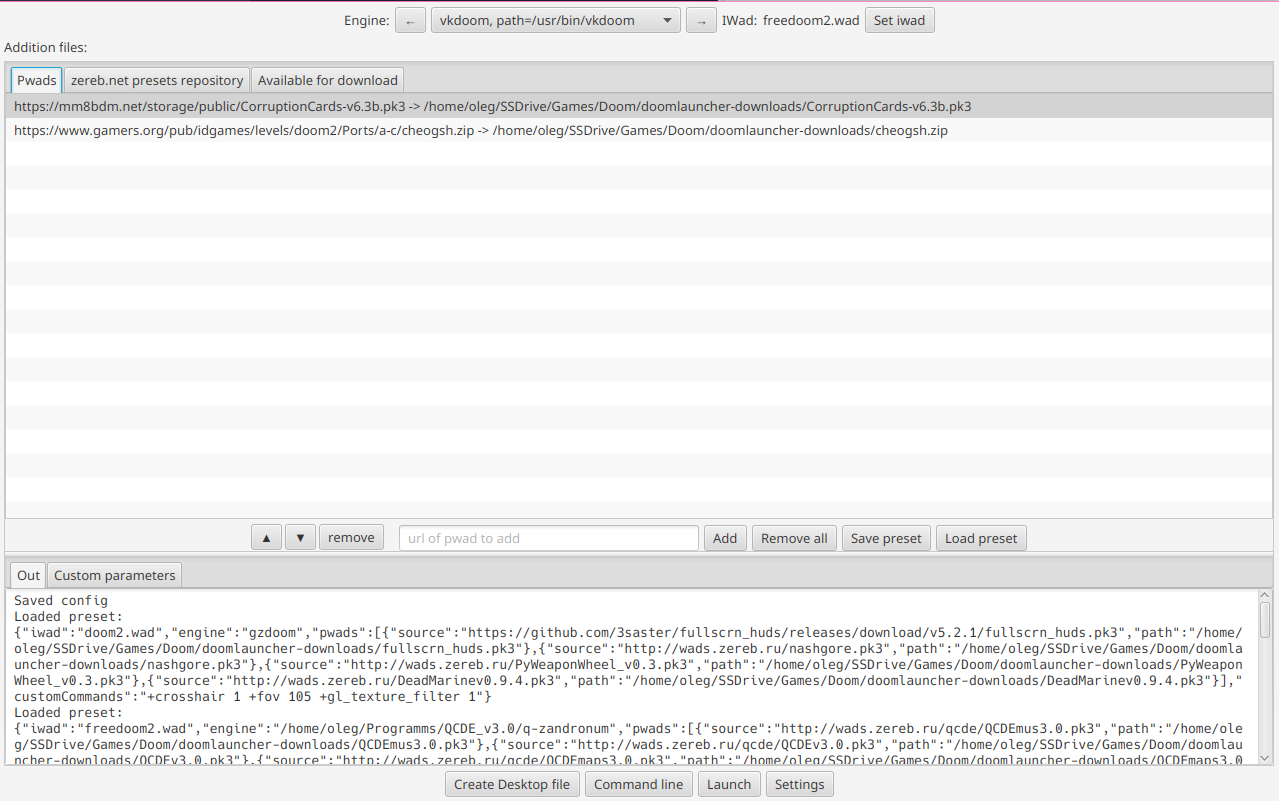
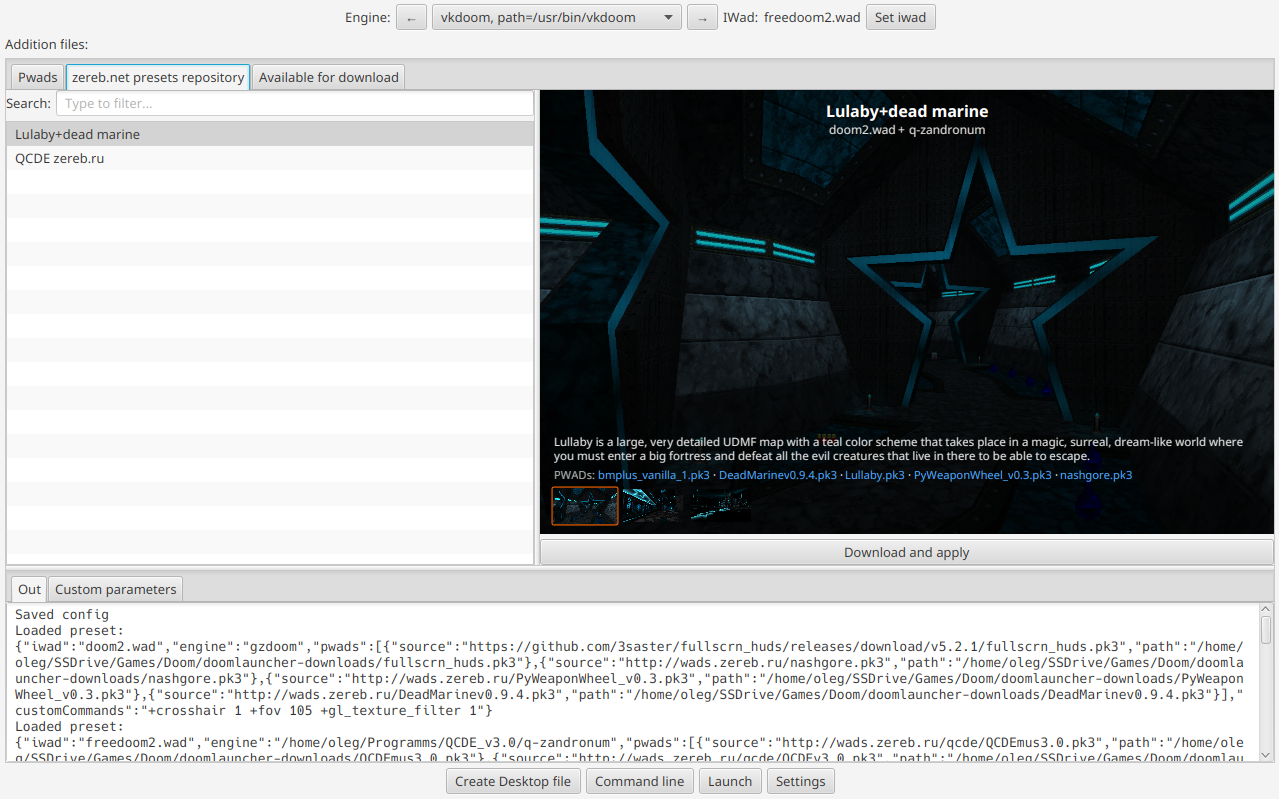
A preset is a portable .preset file that captures your entire DOOM launch configuration — engine, IWAD, PWAD list, custom parameters — in a single shareable JSON file. Share your perfect setup with the community or restore it later with one click.
How It Works
.preset file — it stores everything in a clean JSON format.Engine Management
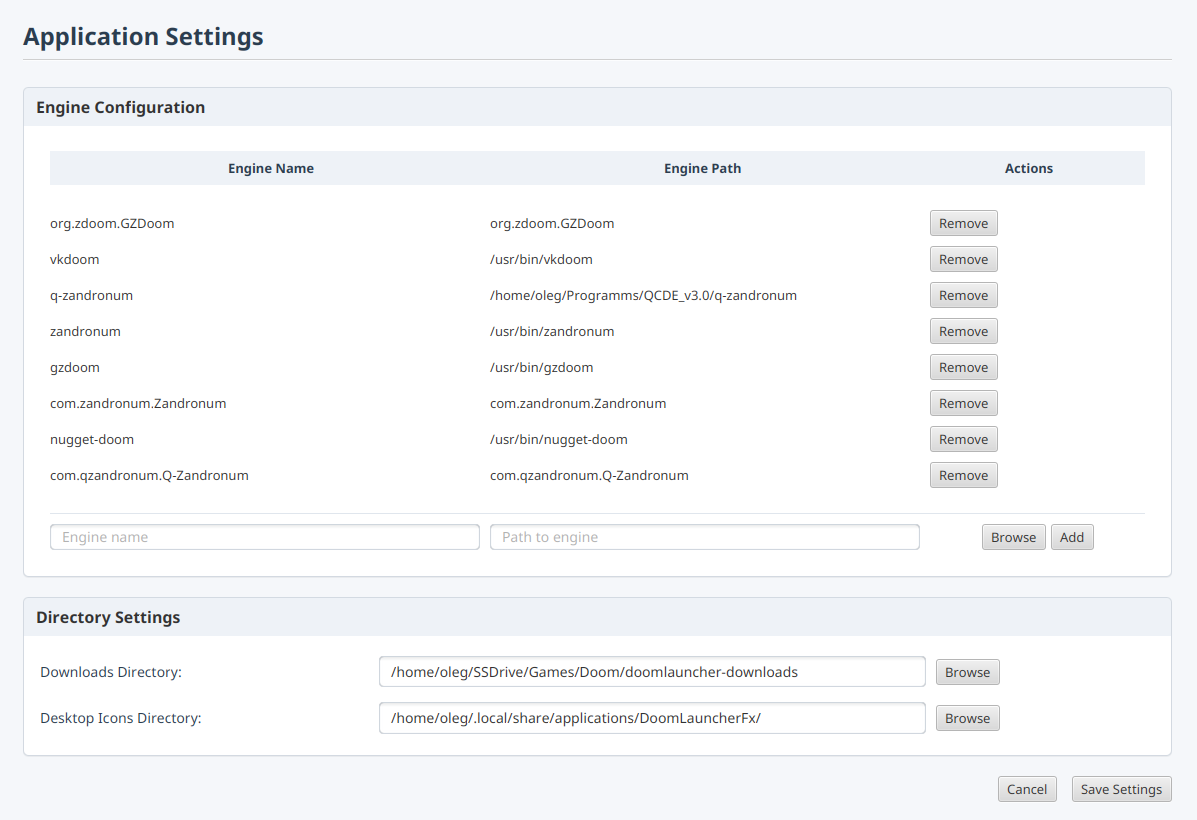
Auto-discovers GZDoom, ZDoom, Zandronum from Flatpaks and PATH. Add any engine manually.
IWAD & PWAD
Pick IWADs with auto-discovery of known titles. Add local or remote PWADs, reorder freely.
idgames Repository
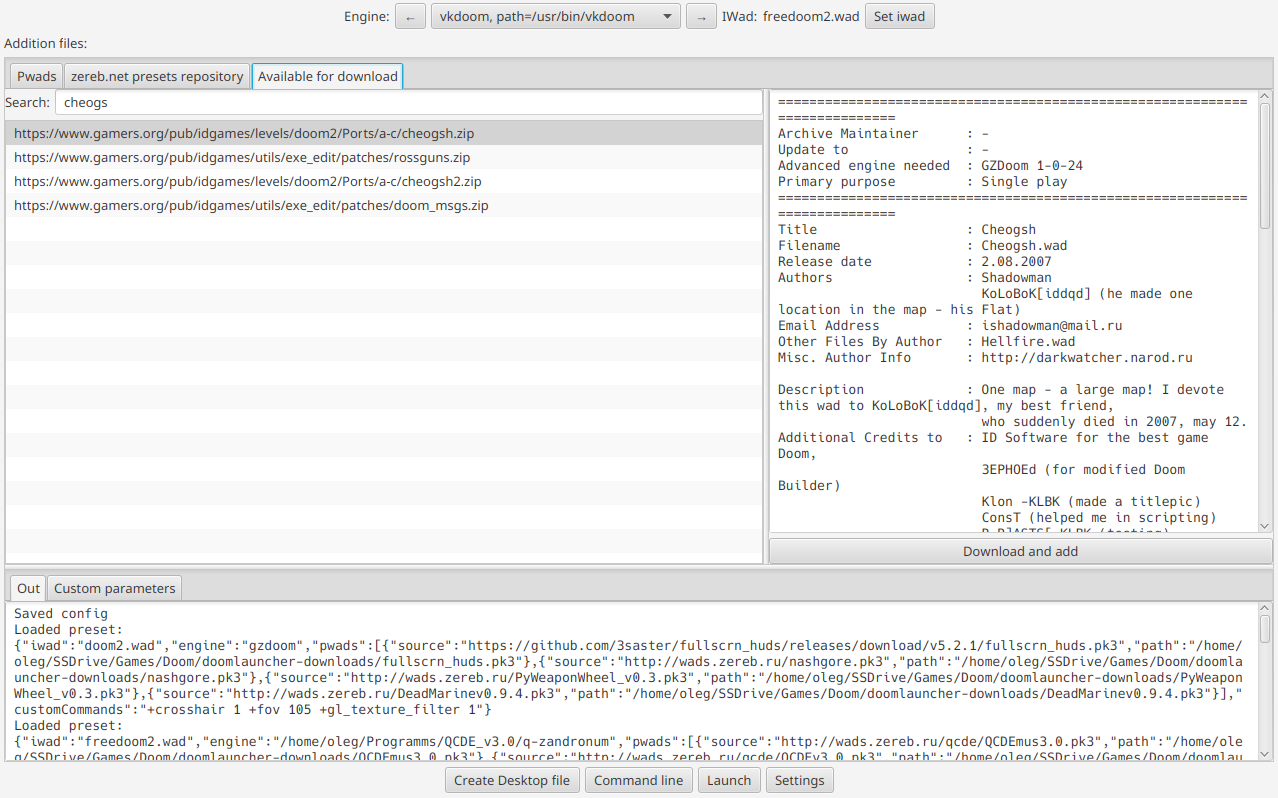
Browse downloadable WADs from the idgames archive. View metadata, preview screenshots, download and apply with one click.